
YS35
GUIDE REQUESTS.
Use your YS35 label to request matching instructions or prepare a product or order question. Detailed owner guidance is available at Mayluck Care.
Request the YS35 guide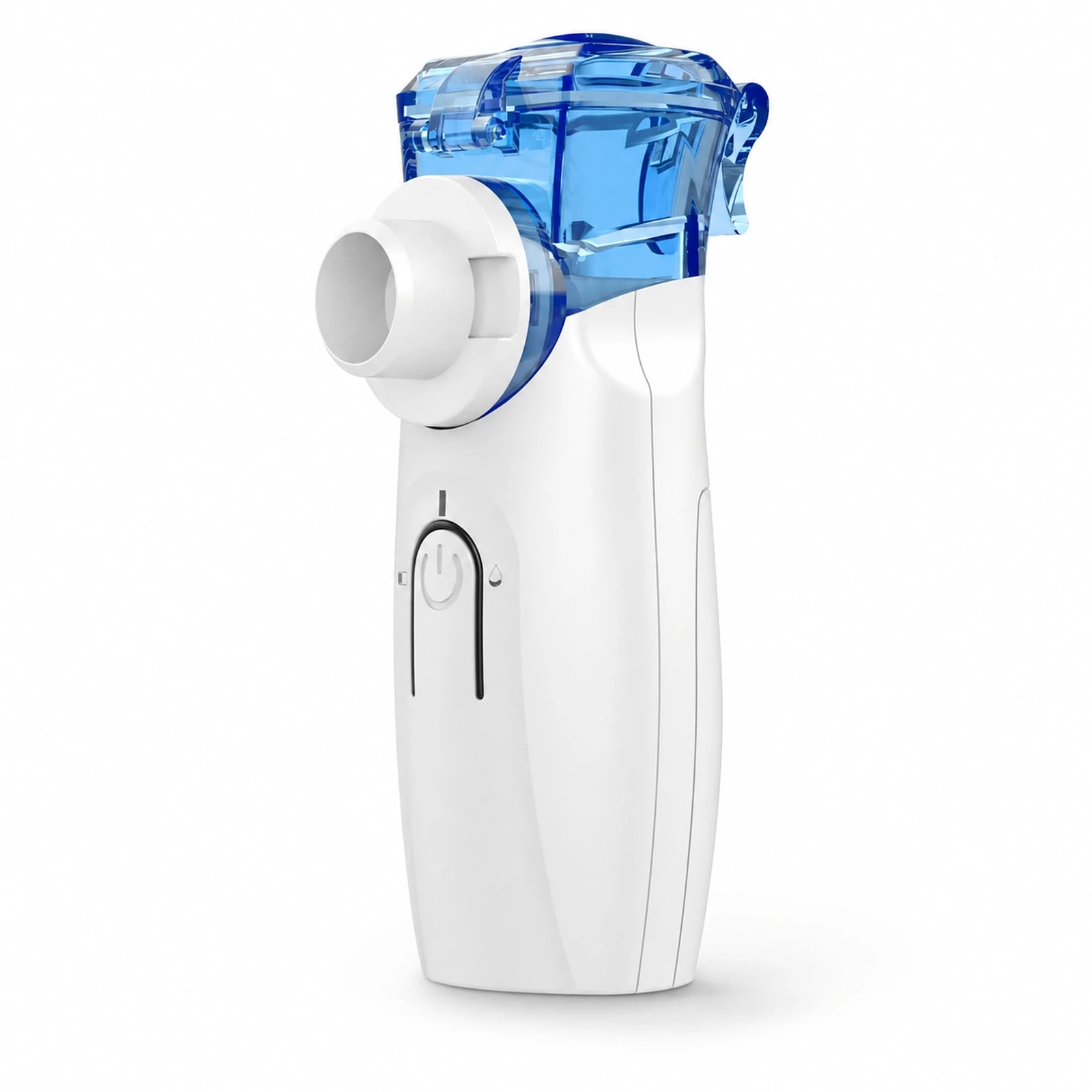
More help for your YS35.
Continue with model-specific resources on Mayluck Care, or use the help and contact options here. Keep your supplied instructions close.
Keep your supplied instructions close.
Use the guide supplied with your device for setup, cleaning, and troubleshooting. If yours is missing, email support with the full model code and a clear label photo to request the matching version. A downloadable guide for this model is not available here.
Three numbers.
Three different jobs.
Read the label on the device, then compare it with the box and the instructions you received. Copy any letters or suffixes exactly.
- Model code
- Identifies the device model, such as YS35. Select the matching support page; color or shape alone does not identify a version.
- Lot or serial number
- If printed on your label, this helps identify a production batch or individual unit. Send a clear label photo if the text is difficult to read.
- Order reference
- Identifies your purchase. Find it in your confirmation email, receipt, or retailer account. Include the retailer name when contacting support.
What the indicator colors mean.
Blue indicator
The YS35 product information labels blue as working status.
Red indicator
Red is labeled as the insufficient-power indicator.
Orange indicator
Orange is labeled as the insufficient-liquid indicator.
These labels come from YS35 product information. An indicator does not set a dose or diagnose a fault. Follow the instructions supplied with your exact device for operation and troubleshooting.
Help with your YS35.
No mist or a change in performance
Get the right help for the device you own.
Cleaning & everyday care
Find the cleaning guidance for your exact model.
What can I put in it?
Check suitability with your healthcare professional.
Replacement parts
Match your part to your model before ordering.
Warranty & product help
Prepare the details we need to review your request.
A few details make it easier.
Your device
Model code and any lot or serial number from the label.
Your purchase
Retailer, purchase date, and order reference if available.
What happened
A short description and a clear device or part photo, if helpful.
Still need a hand?
Tell us your model and what you need help with.