
01 / START WITH THE DEVICE
Find the code that names your model.
Look across the device label, the packaging, and the guide that came in the box. Check the back or base as well as the front; the label location can vary. In the MAYLUCK collection, model codes include MY135, MY139, MY-131B, YS35, and CN69.
Write the letters and numbers exactly as printed. Keep any suffix with the code. Use an order confirmation as a second reference, then compare it with the device in your hands. A product color or a general title such as “portable nebulizer” is less specific than a model code.
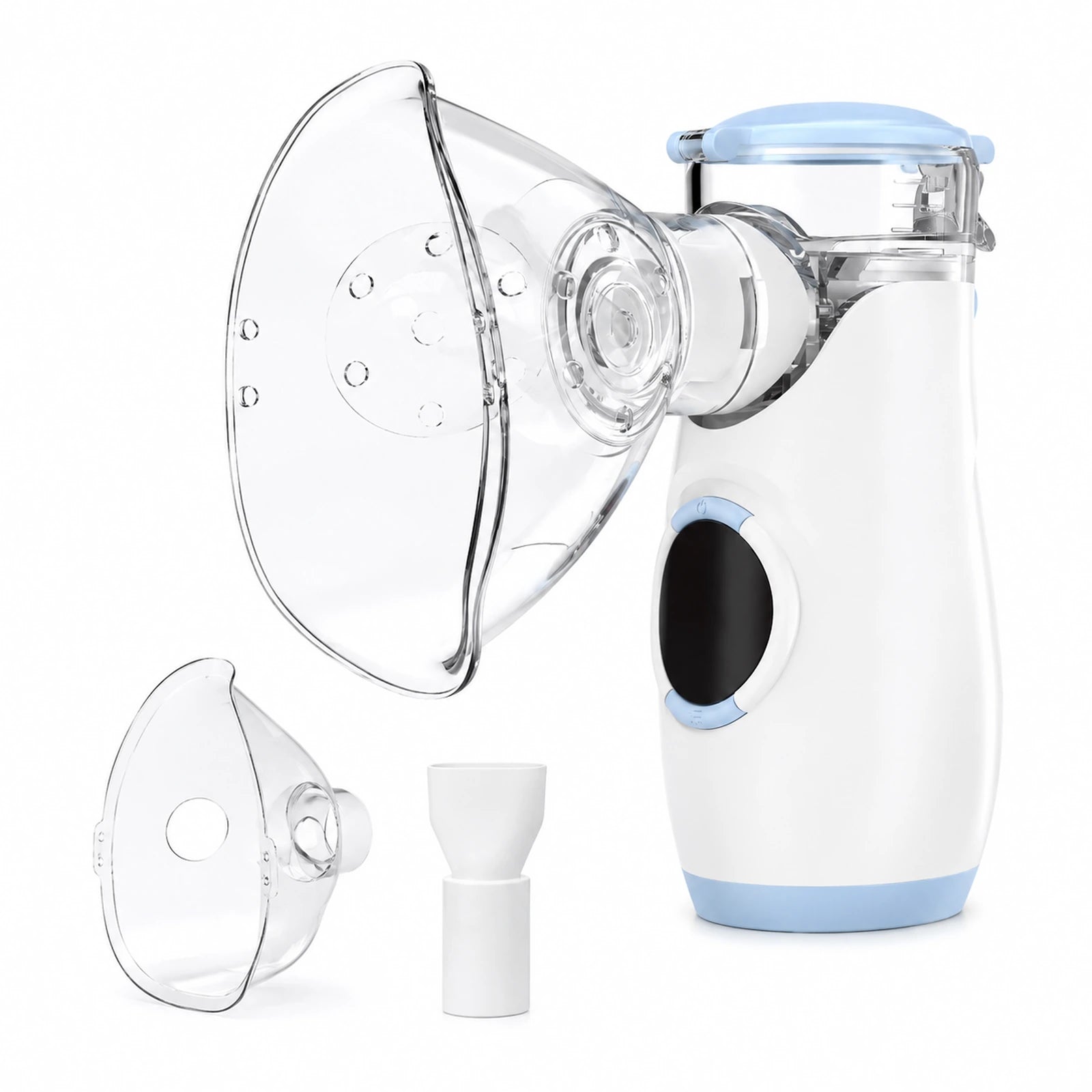 MY135View this model
 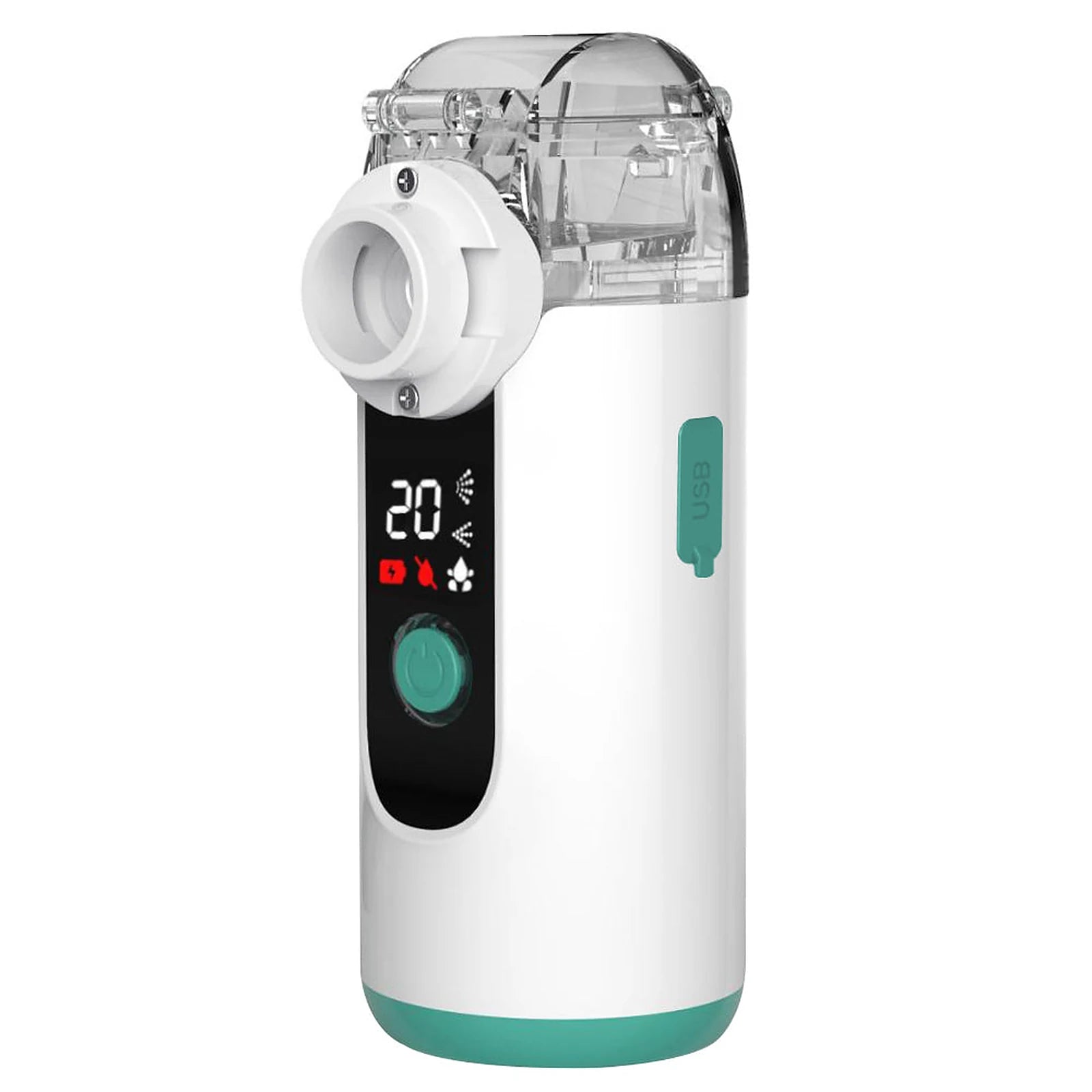 MY139View this model
 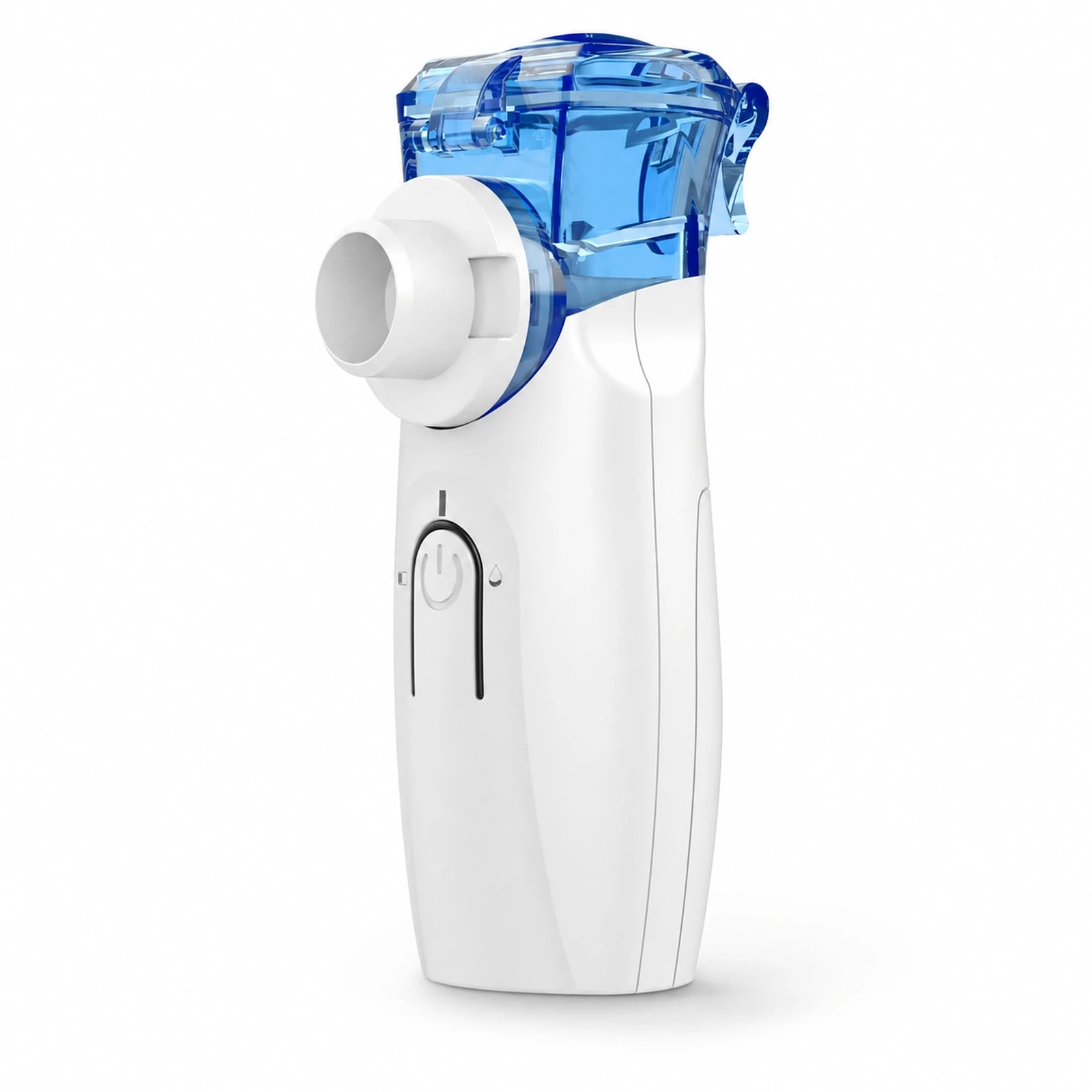 YS35View this model
 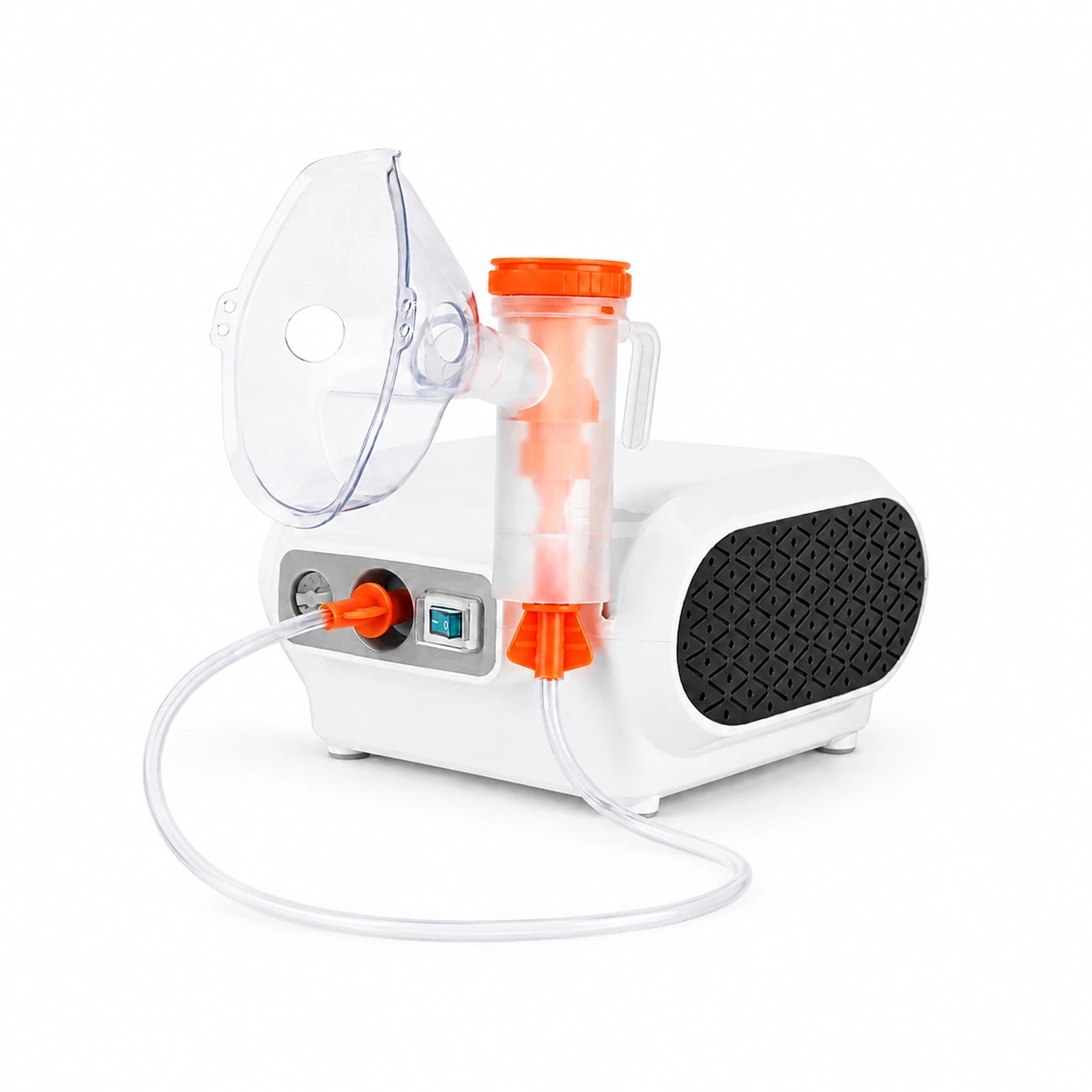 CN69View this model
 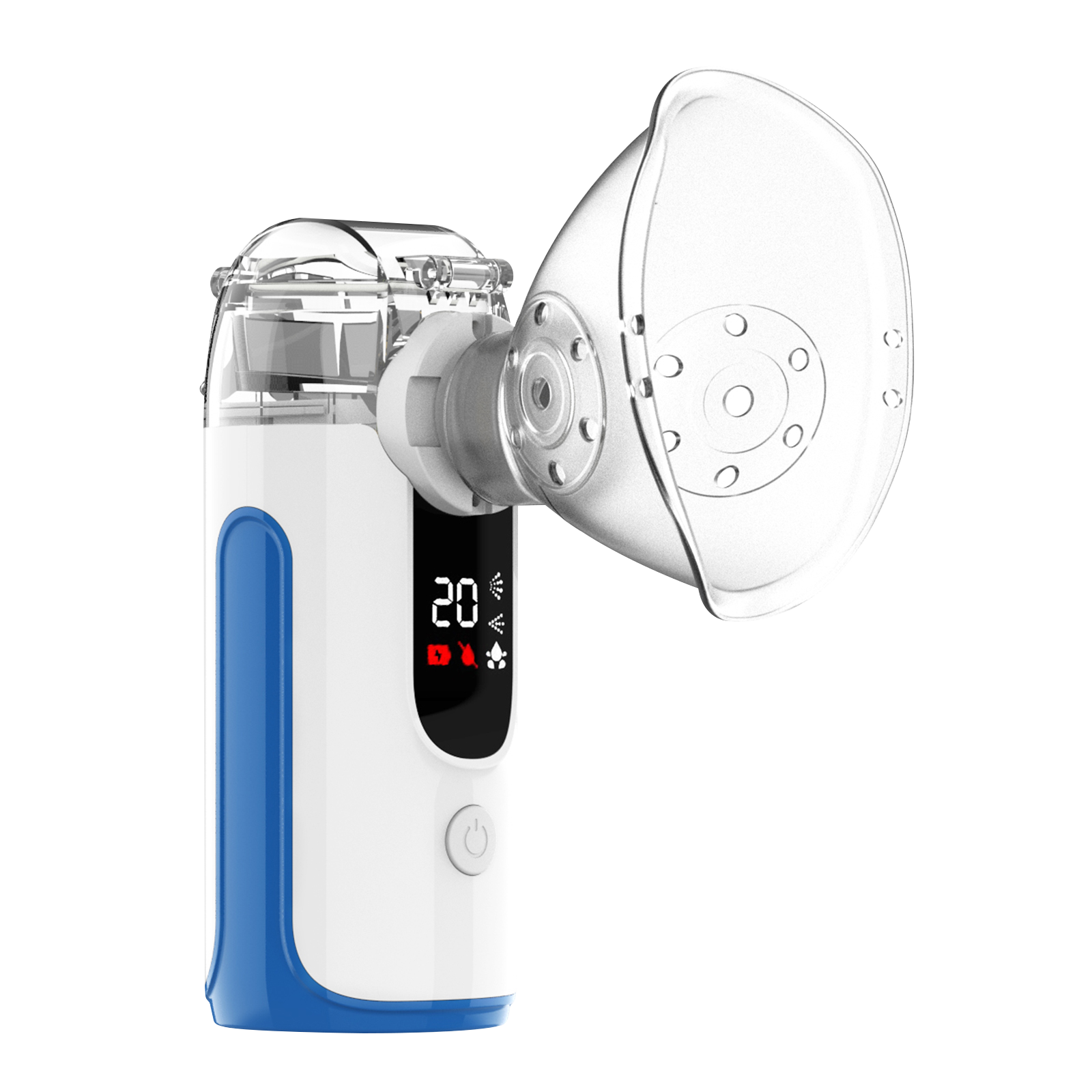 MY-131BView this model →
Catalog images help you orient yourself. Confirm the printed code on your own device.
02 / SORT OUT THE REFERENCES
Several numbers can mean different things.
You may see more than one identifier. Keep each one under its own heading so you can find the right reference later.
- Model
- The device design or version, such as MY139. Start here when looking for product information.
- Serial number
- If present, a reference identifying an individual unit. Copy its label exactly rather than guessing which printed number it is.
- Lot or batch
- If present, a reference to a production group. Keep it together with the model and a photograph of the original label.
- Order number
- A purchase reference from the store. It helps locate the transaction and does not replace the device model.
If a label uses an unfamiliar abbreviation, preserve the abbreviation in your notes. Not every device will show every field in this list.
03 / SAVE A USEFUL RECORD
Take one readable photo. Keep one small note.
Photograph the label straight on, in even light, with the full text in focus. Check the picture before putting the device away: can you read each letter and number when you zoom in? A second photo of the whole device can add context without replacing the label photo.
- Model
- The code exactly as printed
- Label references
- Serial / lot / batch, if shown
- Purchase
- Store, order number, and date
- Instructions
- Guide title and revision, if shown
- Question
- What you need to identify or understand
Store the note beside your guide or order email. If you share a label photo for a product question, leave unrelated personal information out of the frame.
04 / MATCH THE INFORMATION
Check the guide before following it.
NHLBI tells users to follow the instructions supplied with their nebulizer for assembly and care. The American Lung Association also notes that machines differ. NHLBI: How to Use a Nebulizer American Lung Association: ABCs of Using a Nebulizer
Compare the model code on the guide with your device. Then look at its parts diagram, power information, and any edition or revision details. If a diagram shows a different cup, connection, or control layout, pause and resolve that mismatch. A video with the same brand name is useful only when its device and instructions apply to yours.
Choosing another device? Compare Mayluck portable nebulizers. For an existing device, use Mayluck Care's model finder to request the matching instructions.
